
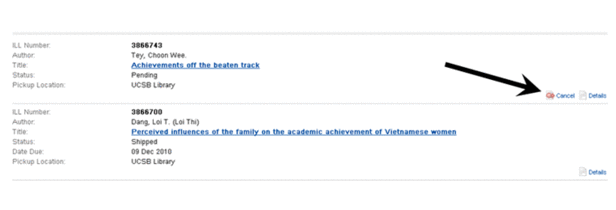
You may submit a request to cancel an ILL request directly from your ILL account, if the "Cancel" option is available. To cancel your request, click on the "Cancel" button.
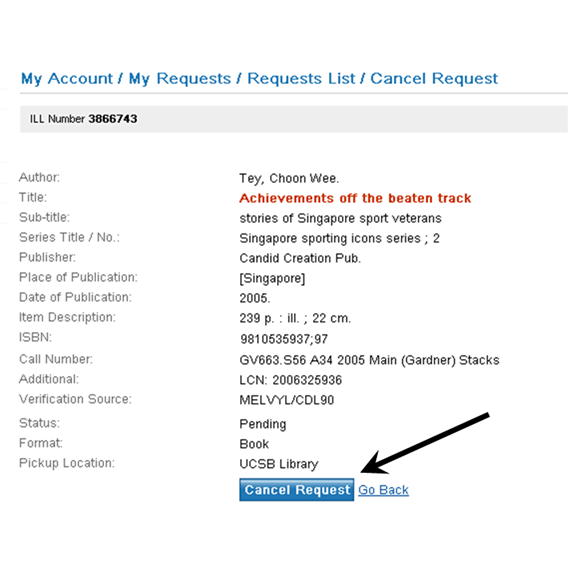
In the resulting "Request Details" screen, click on the "Cancel Request" button.
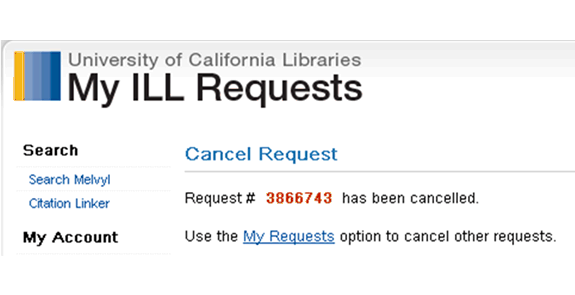
A "Cancel confirmation screen" will display. Your request will now be terminated.
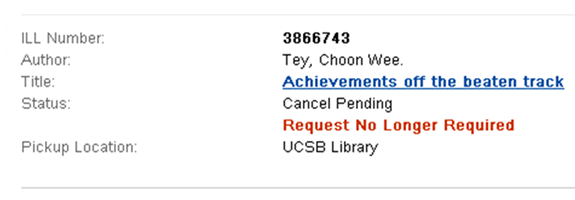
The cancelled request will display with a "Request No Longer Required" tag. The request will remain on display in your account until it is officially deactivated by Interlibrary Loan staff.
 If you have any trouble with My ILL Requests, contact the Interlibrary Loan office. Phone: 805-893-3436 Email: ill@library.ucsb.edu